Sign in and reset your password
How to sign in to Slovio, reset a forgotten password with an emailed code, and fix common sign-in problems such as too many attempts or a suspended account.
3 min readUpdated
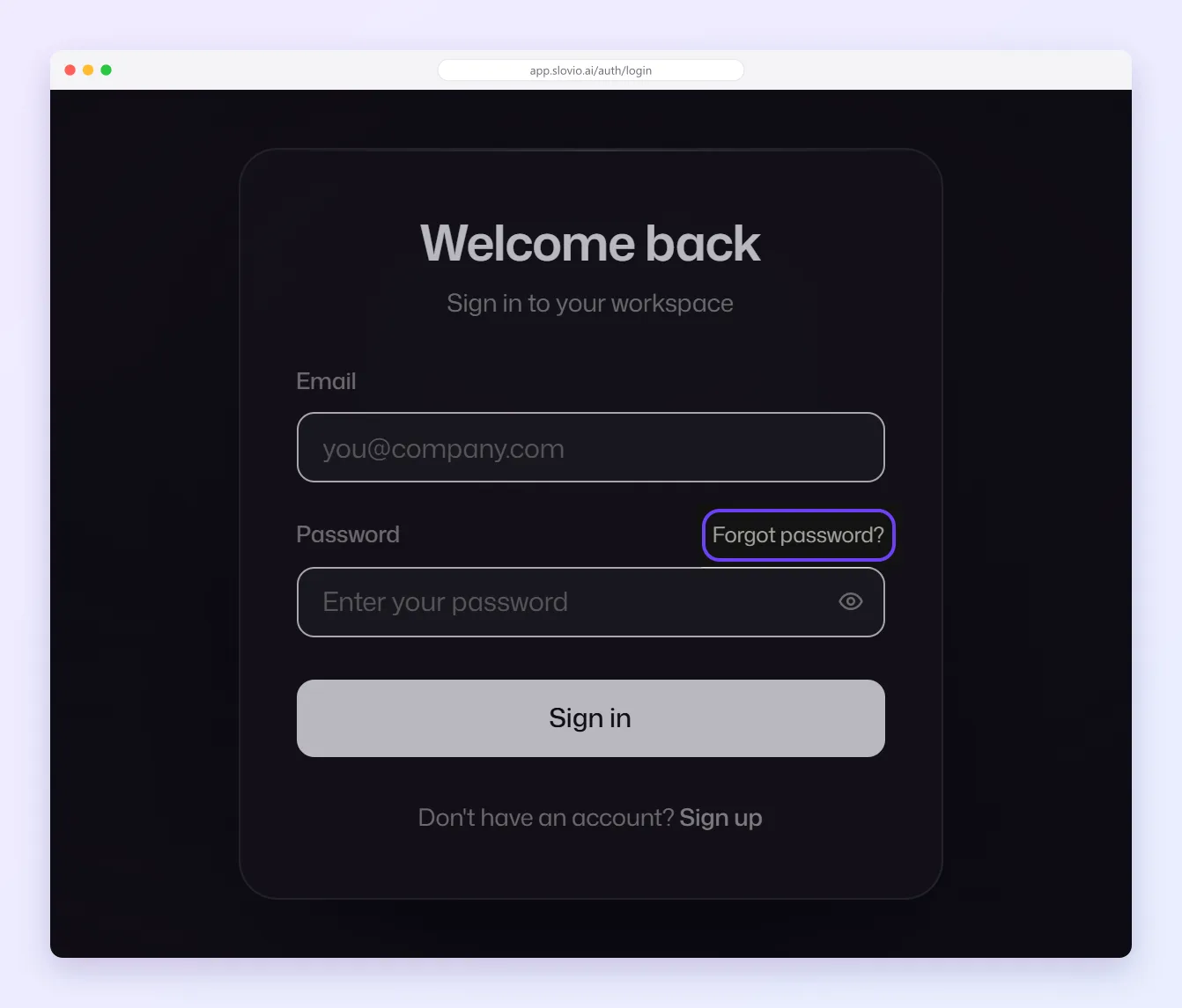
To sign in, go to app.slovio.ai/auth/login, enter your email and password, and select Sign in. If you forgot your password, select Forgot password?, and Slovio emails you a link and a 6-digit code to set a new one.
Sign in
- Go to app.slovio.ai/auth/login. The page says Welcome back.
- Enter your Email and Password, then select Sign in.
- If two-factor authentication is on, choose where to receive your code on Verify it's you, select Send code, then enter it on Two-factor verification. See Account security and 2FA.
Reset a forgotten password
On the sign-in page, select Forgot password?.
On Reset your password, enter your Email and select Send reset link.
Open the email and follow the link to Set a new password.
Enter the 6-digit code from the email, your New password and Confirm password, then select Reset password.
The code is valid for 10 minutes. If it expired, select Didn't get the code? Resend. The new password needs at least 8 characters, with a letter and a number or symbol.
Afterwards you are signed in straight away, unless two-factor authentication is on. In that case, sign in again with your new password and a code.
Change your password
Account menu → Profile & account → Security.
Fix sign-in problems
| Message | Why | What to do |
|---|---|---|
| Invalid email or password | The email or password is wrong. | Check both, or reset your password. |
| Too many login attempts. Please try again after 15 minutes. | 5 attempts in 15 minutes for this email from one network. | Wait 15 minutes, or reset your password. |
| Account temporarily locked. Try again in 30 minutes. | 5 wrong passwords in a row. | Wait 30 minutes, or reset your password. |
| Too many password reset requests | 3 reset requests in 15 minutes. | Wait 15 minutes and use the latest email. |
| You are asked to verify your email or phone | Sign-up was not finished. | Enter the new code Slovio just sent. |
| Your account has been suspended | An administrator suspended the account, or the plan was not renewed within the grace period. | Select Contact Support, or see Plans and subscription. |
| A team member cannot sign in | Their login may be suspended. | The owner can Reactivate them in More → Workspace → Agents. |
Worked example
Vikram, a sales agent at Chawla Furnishings, Chandigarh, forgets his password on Monday morning.
- He selects Forgot password?, enters vikram@chawlafurnishings.in and selects Send reset link.
- He opens the email, follows the link, and enters the code 482913.
- He sets "Sofa@Sale26" as the new password and selects Reset password.
Result: his account has two-factor authentication, so he signs in again with the new password and the code sent to his phone.
Common questions
How long is the reset code valid?
10 minutes. Select Didn't get the code? Resend for a new one.
Why didn't I get a reset email?
Check spam, and make sure you typed the email you signed up with. Slovio shows the same message whether or not the account exists.
I was locked out after wrong passwords. What now?
Wait 30 minutes, or reset your password.
Why was I not signed in after resetting my password?
Accounts with two-factor authentication must sign in again with the new password and a code.
Stuck, or is something here out of date? Tell the team — we reply within a working day.