API overview and authentication
Get started with the Slovio REST API: the base URL, how to generate API keys, the two authentication headers, the response format and your first request.
2 min readUpdated
The Slovio REST API lets your systems send WhatsApp, RCS and SMS messages, manage contacts and templates, and place AI calls.
Base URL
https://api.slovio.ai/v1Get your keys
More → Developer → APIs → API Keys.
Select Generate New Key. You get an Access Key and a Secret Key.
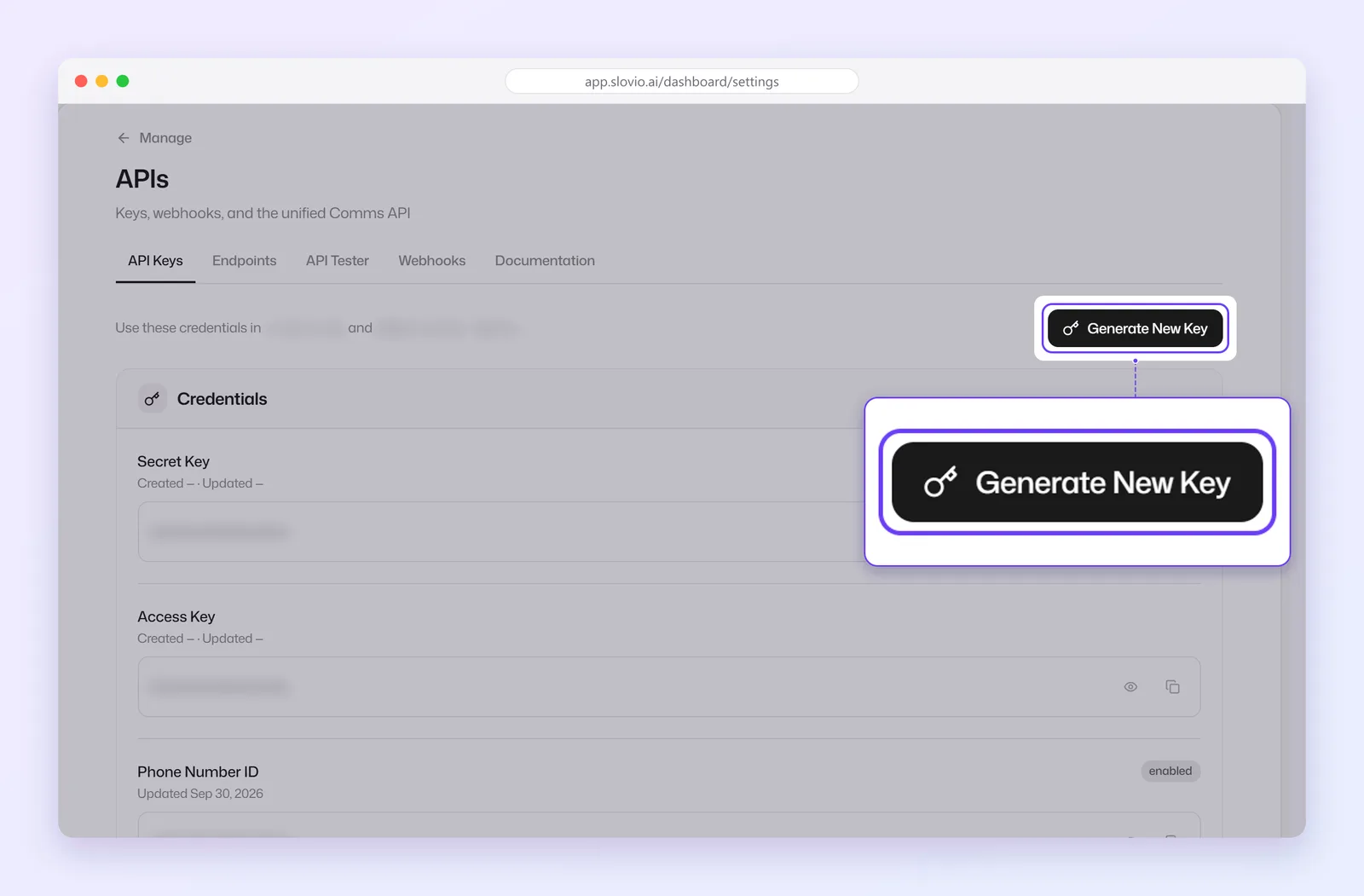
Copy the secret key now. It is shown only once. Select I've saved it when done.
One key pair per account. Use Regenerate if a key leaks; the old one stops working at once.
Authenticate
Send both headers on every request:
x-access-key: YOUR_ACCESS_KEY
Authorization: Bearer YOUR_SECRET_KEYFirst request
List your contacts:
curl https://api.slovio.ai/v1/public/api/contact?limit=5 \
  -H "x-access-key: $SLOVIO_ACCESS_KEY" \
-H "Authorization: Bearer $SLOVIO_SECRET_KEY"Responses
A successful response:
{
  "statusCode": "10000",
  "status": 200,
  "message": "success",
  "data": { }
}
Errors are covered in Errors and rate limits.
Try it in the app
More → Developer → APIs also has Endpoints (a list), an API Tester to make requests with your keys, and Webhooks.
Endpoints
| What | Guide |
|---|---|
| Send WhatsApp, RCS or SMS, and check status | Send messages |
| Contacts | Contacts API |
| WhatsApp and RCS templates and template sends | Templates API |
| AI calls | Calls API |
| Events to your server | Webhooks |
Common questions
Do I send both keys on every request?
Yes. Send x-access-key with your access key and Authorization: Bearer with your secret key on every call. A missing header returns HTTP 401 Unauthorized.
I lost my secret key. What now?
It can't be shown again. Select Regenerate in More → Developer → APIs → API Keys to get a new pair, then update your systems. The old pair stops working at once.
Can I have more than one key pair?
No. Each account has one key pair.
Why do I get "Feature not available in your plan"?
Your plan does not include API access, or the feature you called, such as AI Calling or broadcasts. Upgrade your plan to use it.
Stuck, or is something here out of date? Tell the team — we reply within a working day.