Bring your own AI key
How to add your own OpenAI, Gemini, Anthropic or other AI provider key in Slovio so chat AI is billed to your provider, and how it differs from REST API keys.
2 min readUpdated
By default, Slovio's AI usage is billed through your Slovio plan and wallet. To use your own AI provider account instead, add its key under More → Workspace → API keys. That provider then bills you directly for chat AI.
Two different "API keys" screens
Slovio has two screens with "API keys" in the name. They do different jobs.
| Screen | Path | What it is for |
|---|---|---|
| API keys | More → Workspace → API keys | Your own AI provider keys (OpenAI, Gemini and others), so AI usage is billed to your provider account. This page. |
| API Keys tab | More → Developer → APIs → API Keys | Slovio REST API keys that your developers use to send messages and manage contacts from your own software. See API overview. |
Add your AI provider key
Go to More → Workspace → API keys.
Pick the provider: OpenAI, Google Gemini, Anthropic, DeepSeek, Qwen / Alibaba, Mistral, xAI, or the aggregators Groq and OpenRouter.
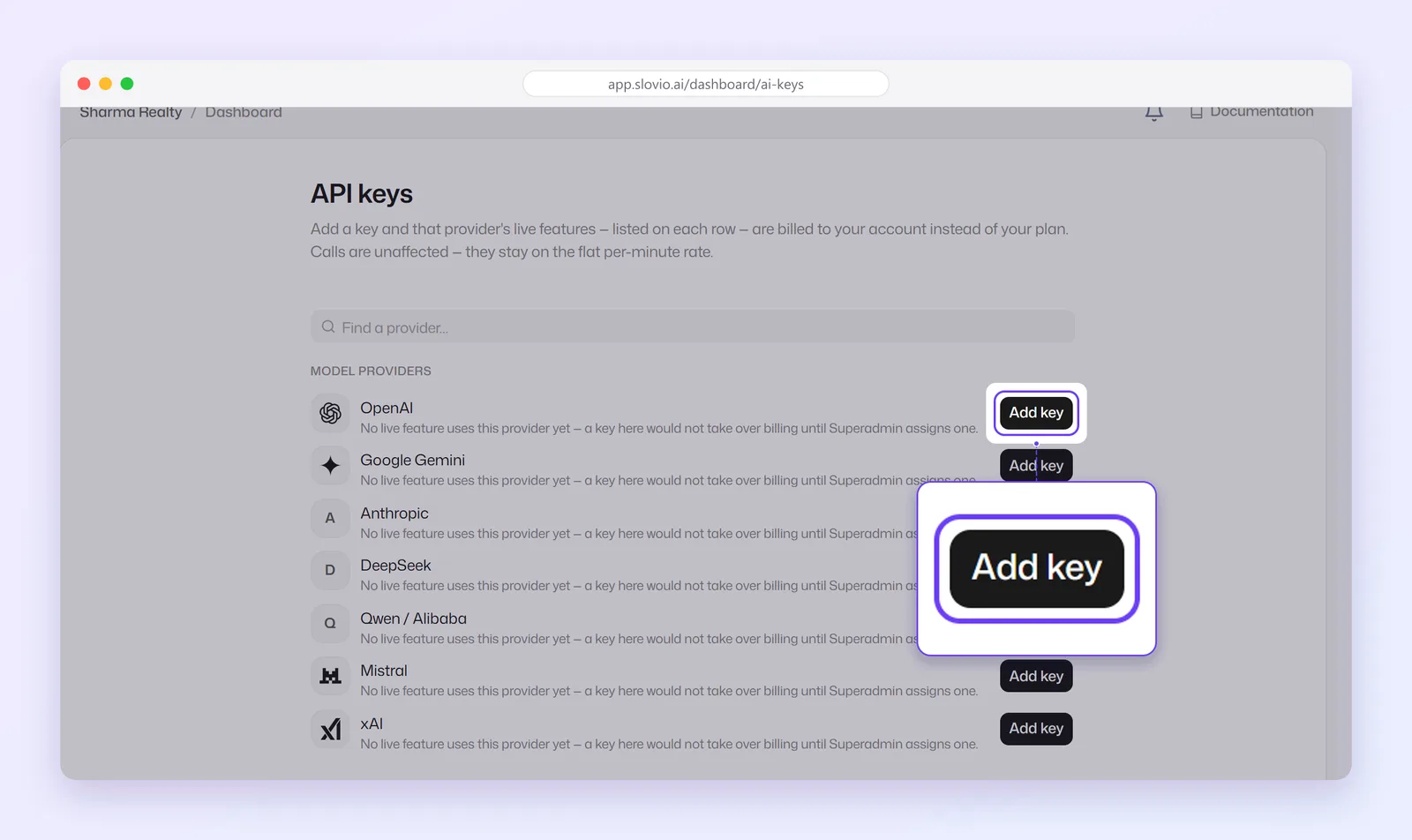
Paste your key and save it.
Select Test on the saved key. You see "API key is valid" or "Invalid API key".
You can add up to 5 keys per provider. The account owner manages the account's keys and can test them. Team members can add their own personal keys.
What changes when you add a key
- Chat AI features that use that provider are billed to your provider account.
- Calls are unaffected: AI Calling stays on the flat per-minute rate.
- See what was used under More → Insights → AI token usage.
Worked example
Menon Insurance Advisors, Thrissur, has an OpenAI account with company billing.
- The owner opens More → Workspace → API keys → OpenAI, pastes the key and saves it.
- Test shows "API key is valid".
Result: the bot's AI Conversation replies are now charged to Menon's OpenAI account. The monthly Slovio AI usage for chat drops, while calls stay on the per-minute rate. Separately, their developer creates a REST key under More → Developer → APIs → API Keys to push policy renewals from their CRM.
Common questions
Is this the same as the Slovio API key?
No. Workspace → API keys is for AI provider keys. The key your developers use for Slovio's REST API is under More → Developer → APIs → API Keys.
Will my key be used for AI calls?
No. Calls stay on the flat per-minute rate.
How many keys can I add?
Up to 5 per provider.
What happens if my key stops working?
AI replies that use it stop until you fix or remove the key. Test it again with Test.
Stuck, or is something here out of date? Tell the team — we reply within a working day.