Knowledge base
How to build a Slovio knowledge base from PDFs, websites and Q&A pairs, tune retrieval settings, test answers, link it to a chatbot and review Bot Insights.
4 min readUpdated
A knowledge base is what Slovio's AI answers from: your PDFs, website pages and hand-written Q&A pairs. Create one under AI Agents → Knowledge Base → Create Knowledge Base, add content, then link it to a chatbot under Bot knowledge → + Add.
Create a knowledge base
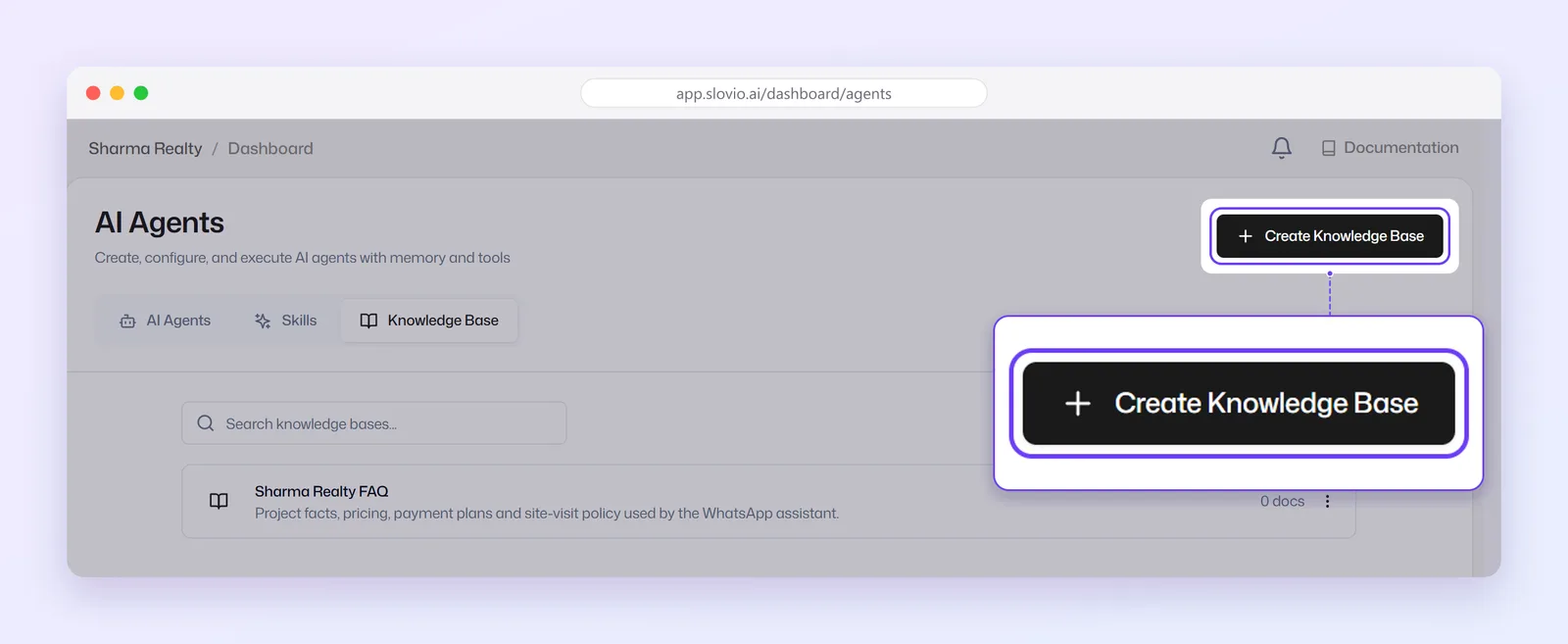
In the sidebar, select AI Agents, then the Knowledge Base tab.
Select Create Knowledge Base.
Enter a Name (required) and a description (optional), then select Create.
The knowledge base page shows counts of Documents, Q&A Pairs and Total Tokens, the tabs Documents, Q&A Pairs, Websites and Settings, and the buttons Auto-build and Test.
Add content
| Tab | How to add | Notes |
|---|---|---|
| Documents | Add file → Choose PDF, or paste a PDF URL and select Upload from URL | PDF only, up to 25 MB each. Status shows Processing, then Available. Failed means the file could not be read. |
| Q&A Pairs | Add Q&A pair → a Question and its Answer | Best for exact answers: prices, policies, timings. Also the way to add plain text. |
| Websites | Add website → a page URL, or a sitemap URL | Public http(s) pages. A sitemap adds up to 50 pages. Use Re-scrape after your site changes. |
Each item has a switch to turn it off without deleting it.
Generate Q&A pairs with Auto-build
- Select Auto-build.
- Enter a page URL or a sitemap URL.
- Select Generate Q&A pairs. You get up to 8 pairs from a page, from up to 20 pages of a sitemap.
Review the pairs before relying on them.
Test answers
Select Test to open Preview. Ask a question in Talk to Bot. Each answer shows the source it came from and how well it matched. Select Close Preview when done.
Tune the settings
On the Settings tab, then Save Settings:
| Setting | What it does |
|---|---|
| Score Threshold (default 35%) | How closely a passage should match the question. Raise it if answers use unrelated text. |
| Top K (default 12, range 1 to 20) | How many passages the AI reads per question. |
| System Prompt | Optional extra instructions for answers from this knowledge base. |
| Fallback Message | What to say when nothing matches. |
Use it in a chatbot
A knowledge base does nothing on its own. A chatbot uses it through the AI Conversation and Knowledge Base Answer blocks:
- Open your chatbot and select an AI Conversation or Knowledge Base Answer block.
- In its knowledge field, under Bot knowledge, select + Add and pick the knowledge base. Confirm Link this knowledge base?.
The link applies to the whole bot: every AI block in that bot can now search it. You can link more than one knowledge base.
A block can also be narrowed with Limit this node to specific documents. Then that block searches only the PDFs you tick, instead of all bot knowledge. See AI replies in chatbots.
Review Bot Insights
Bot Insights shows what customers ask and what the bot could not answer, across all your bots. Open it at /dashboard/agents/kb/insights. Choose 7d, 30d or 90d:
- Questions asked, Answered, Couldn't answer and Match quality (the average score of the best match)
- Top unanswered questions, with how many times each was asked
- Recent activity: each question, the answer, where it came from (KB, No match and others), the channel and the top match score
Worked example: an electronics store
Kapoor Electronics, Amritsar, creates a knowledge base "Store help":
- Documents: the 6 MB warranty policy PDF.
- Q&A Pairs: "What are your store timings?" → "10 am to 9 pm, Monday to Sunday." and "Do you offer EMI?" → "Yes, no-cost EMI on cards from HDFC, ICICI and SBI on purchases above ₹10,000."
- Websites: the sitemap of kapoorelectronics.in (32 pages).
They link it under Bot knowledge → + Add in their WhatsApp bot. A customer asks "Is EMI available on a ₹25,000 TV?". The bot answers from the EMI Q&A pair. A week later Top unanswered questions shows "Do you deliver to Jalandhar?" asked 14 times, so they add a Q&A pair for it.
Common questions
What file types can I upload?
PDF only, up to 25 MB each. For plain text, add Q&A pairs. For web content, add the page or sitemap under Websites.
Do I need to link the knowledge base in every block?
No. Link it once under Bot knowledge, and every AI Conversation and Knowledge Base Answer block in that bot uses it.
Q&A pair or PDF: which is better?
Q&A pairs, for the questions customers ask most. They give exact answers. Add your top 20 questions as pairs.
How do I find questions the bot could not answer?
Open Bot Insights and check Top unanswered questions.
Why is a website page not updated?
Pages are read when added. Select Re-scrape after you change your site.
Stuck, or is something here out of date? Tell the team — we reply within a working day.