Segments and custom properties
How to build Slovio contact segments with rules or an Excel list, and set up custom properties, statuses, stages, lead sources and tags in CRM Settings.
2 min readUpdated
A segment is a saved group of contacts that you use as the audience for a broadcast or call campaign. Create one under Contacts → Segments → New segment, either with rules or from an Excel list. Custom properties and other contact fields are set up in CRM Settings.
Create a segment with rules
A rule-based segment updates itself: any contact that matches the rules is included.
Go to Contacts → Segments (also at More → CRM → Segments).
Select New segment and choose Build rules.
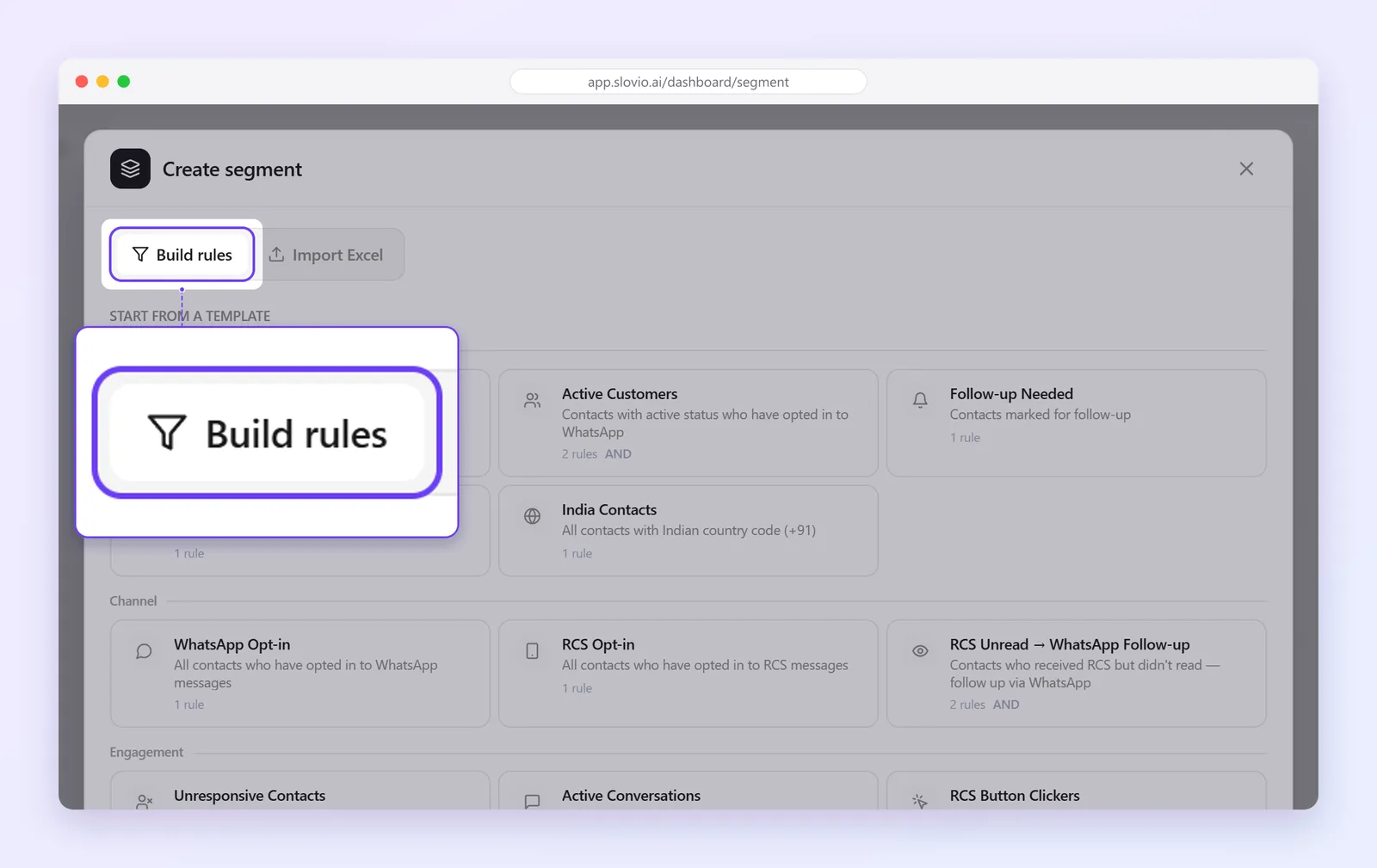
Choose whether contacts must match all rules or any rule.
Add rules. You can use contact fields (name, phone, email, created date, opt-in, country code, assigned agent and more), Priority, Stage, Source, Tag, Status, Custom Attribute, messages, broadcasts, conversations and orders.
Save the segment.
Operators include equals, does not equal, is one of, contains, starts with, is after, is before, is between, has any value and has no value.
Create a segment from Excel
Choose Import Excel instead of Build rules to upload a fixed list. The segment contains exactly those contacts and does not change by itself.
Set up CRM Settings
Go to Contacts and select the gear icon (General settings). The CRM Settings panel has these tabs:
| Tab | Use |
|---|---|
| Custom Properties | Your own contact fields. Types: Text, Number, Date, True / False, Dropdown, Multi-select. |
| Statuses | The status choices on every contact. |
| Priorities | The priority choices. |
| Lead Sources | Where contacts come from. |
| Pipeline Stages | Your sales stages. |
| Tags | Labels for grouping and filtering. |
| Lead Qualification | Plain-language criteria (up to 1000 characters) that the AI uses to score new conversations. Select Save criteria. |
Worked example: a follow-up segment
Nair Realty, Kochi, wants to call qualified buyers interested in Kakkanad.
- In CRM Settings → Custom Properties, they create Preferred locality as a Dropdown with Kakkanad, Edappally and Vyttila.
- In Pipeline Stages they already have "Qualified".
- They create a segment with Build rules, matching all rules:
- Stage is "Qualified"
- Custom Attribute "Preferred locality" is any of "Kakkanad"
The segment lists every qualified Kakkanad buyer. When a new lead reaches "Qualified" with that locality, they join the segment by themselves. The team picks this segment as the audience for a call campaign.
Common questions
What is the difference between a rule segment and an Excel segment?
A rule segment updates as contacts change. An Excel segment is a fixed list of the contacts you uploaded.
Where do I use a segment?
As the audience for a broadcast or a call campaign. See Create a broadcast and Call campaigns.
Can I switch a segment from rules to Excel later?
No. When you edit a segment, the other type is locked. Create a new segment instead.
What does Lead Qualification do?
It tells the AI what a good lead looks like for your business, so new conversations are scored against your criteria.
Stuck, or is something here out of date? Tell the team — we reply within a working day.